
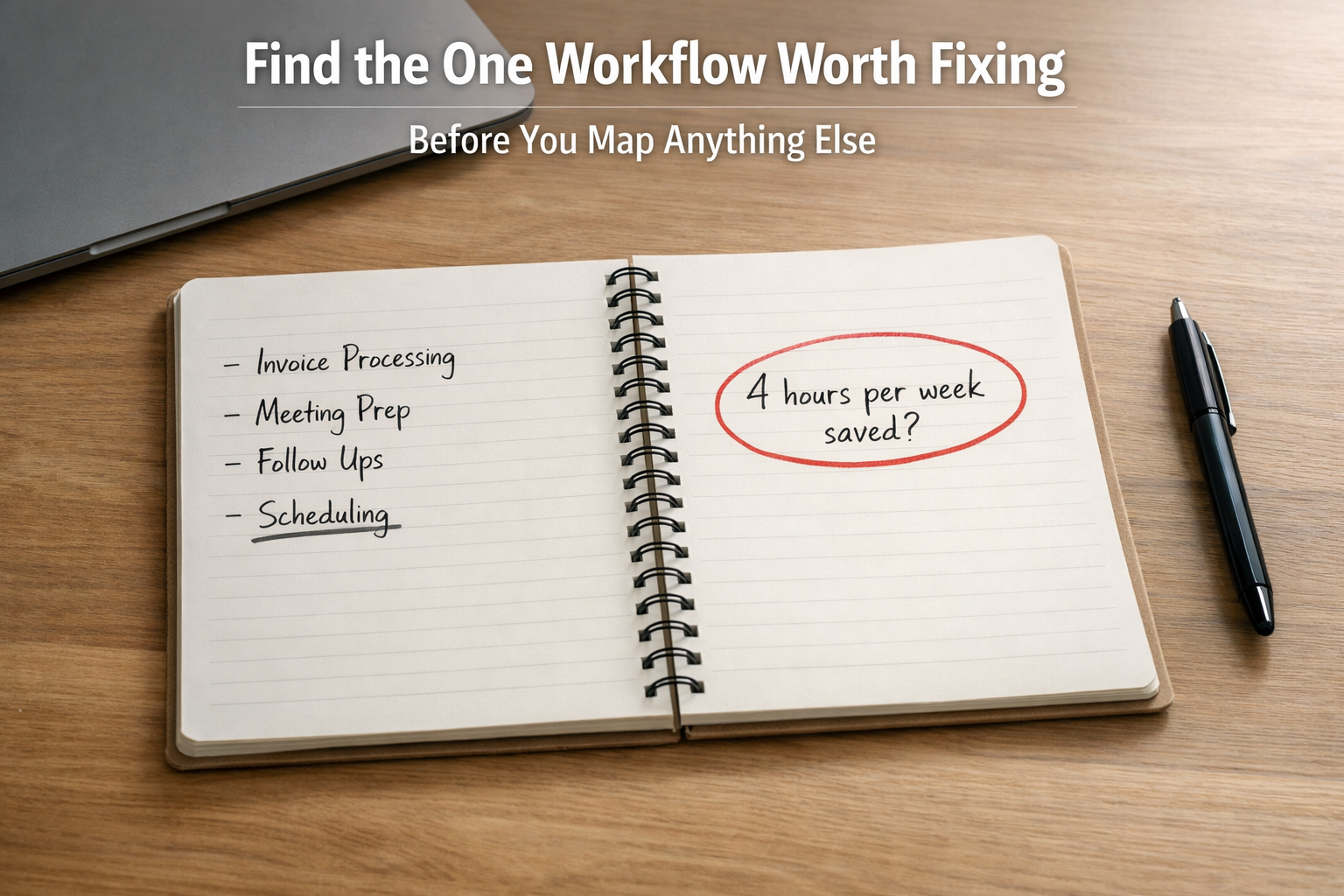
Most small business owners know their workflows are messy. They see the repeated questions, the rework, the bottlenecks that slow everything down.
The resistance is not about ignoring problems. It is about the solution feeling worse than the problem.
Mapping workflows sounds like turning operations into a side project. Flowcharts. Documentation. Weeks of work to create diagrams no one uses.
Here is the shift: workflow mapping is not a documentation exercise. It is a filtering exercise.
The goal is not to chart every step. The goal is to find one thing worth fixing.
Why Most Workflow Mapping Fails
Most workflow efforts fail because they chase completeness instead of impact.
Over-documentation costs time without creating clarity. Teams spend hours diagramming every process, labeling every handoff, color-coding every decision point. The documentation becomes the deliverable instead of the improvement.
Analysis paralysis delays decisions. Perfect diagrams require perfect information. Owners wait to map workflows until they have time to do it right. That time never arrives. Meanwhile, the actual friction continues draining hours every week.
Tool-first thinking skips the work that matters. Software promises to map workflows automatically. The pitch sounds efficient. But tools document what exists. They do not decide what deserves attention. Without that decision, automation maps the wrong work or maps everything equally, which is the same as mapping nothing useful.
Each failure mode wastes time. Owners end up with artifacts instead of answers.
The Targeted Approach: Map Only What Bleeds Time
Focus on three signals. These show up weekly. They cost money. They are observable without complex analysis.
Repeat tasks happen the same way every time but require manual effort each time. Invoicing that needs the same information entered twice. Client intake that asks identical questions across three emails. Inventory checks that require the same manual counts monthly.
Visible errors create rework or delays. Quotes sent with outdated pricing. Orders placed without checking stock. Emails that go to the wrong person because the handoff is unclear.
Messy handoffs happen when one person finishes work and another person starts, but the transition requires clarification, correction, or searching for context. A sales team closes a deal but onboarding does not know what was promised. A project completes but invoicing does not have the right details. A service call ends but scheduling does not update availability.
These three patterns matter because they repeat predictably and cost time every single occurrence.
You do not need software to find them. You need 30 minutes of honest observation.
Pick one area of the business where you suspect time leaks. Watch it for a few days. Write down what happens more than once. Write down what requires correction. Write down where information gets lost between people.
That is the map. Not a diagram. A list of patterns.
A small contracting business noticed their estimators asked the same material pricing questions every bid. Repeat task. Four hours per week answering questions that could be answered once.
A professional services firm saw client kickoff calls repeatedly delayed because signed contracts did not include the scope details sales promised. Messy handoff. Two days per client waiting for clarification.
A retail shop realized their inventory counts always showed discrepancies, requiring recounts and delayed reorders. Visible error pattern costing six hours monthly.
None of these required process mapping software. All of them showed up in normal work observation.
A Step-by-Step Process
Step 1: Pick one friction point.
Not three. Not the whole business. One specific area where time disappears weekly.
If you are unsure where to start, pick the work that makes you say, “Why are we doing this again?”
Step 2: Track it for one week.
Do not build a system. Use a notebook or a simple text file.
Write down every time the friction shows up. What triggered it. How long it took. What happened as a result.
One week gives you enough repetition to see the pattern without turning observation into a project.
Step 3: Identify the pattern.
Look at your notes. Answer two questions:
How often does this happen? (Daily, weekly, per transaction, per client.)
Where does time leak? (Waiting, redoing, searching, clarifying, entering twice, coordinating.)
If you do not see repetition or measurable loss, close the notebook and move on.
If the answer is “occasionally” and “not much,” stop here. This issue does not matter enough yet.
Step 4: Decide if it is worth fixing.
This is a decision gate. Some issues fail this step on purpose.
Ask: If we fixed this completely, how much time would we save weekly?
If the answer is less than 30 minutes per week, walk away. The fix costs more than the problem.
If the answer is multiple hours per week, the issue earned attention.
You now have clarity. You know what bleeds time. You know how often. You know whether fixing it matters.
That clarity is the foundation. Everything after this gets easier.
When Mapping Becomes Waste
You have gone too far if you are naming boxes and arrows instead of counting hours lost.
Workflow mapping helps when it reveals patterns that cost time. It wastes time when it becomes the goal instead of the tool.
Stop if you find yourself:
- Documenting processes no one plans to change.
- Debating terminology instead of observing work.
- Building diagrams to share with people instead of fix problems.
- Spending more time mapping than the workflow itself takes.
The 80/20 rule applies. Twenty percent of workflows create eighty percent of friction. Find that twenty percent. Ignore the rest until it earns attention.
AI Fits After Clarity, Not Before
AI does not decide what matters. It assists after you decide.
Once you identify a repeat task, visible error, or messy handoff worth fixing, AI becomes useful in specific categories:
Drafting. Generating standard responses, creating templates, writing first-pass content that gets reviewed and adjusted.
Sorting. Categorizing information, flagging patterns, organizing inputs so humans make decisions faster.
Summarizing. Condensing long threads, client histories, or meeting notes into the context someone needs without reading everything.
AI is optional. Some workflows improve without it. But when clarity exists first, AI becomes a tool instead of a distraction.
Clarity first. Assistance second.
What Success Looks Like
A small manufacturing shop identified a repeat task in their quoting process. Sales pulled pricing from three different spreadsheets for every estimate. The owner tracked it for one week: 11 quotes, 4 hours total.
They consolidated pricing into one master sheet with lookup formulas. No AI. No software purchase. Just targeted fixing. Time dropped from 4 hours to 45 minutes weekly. That is 13 hours saved monthly. The fix took 90 minutes to build.
A consulting firm noticed a messy handoff between client intake and project kickoff. New clients answered the same questions twice because intake forms did not feed the project brief. The owner logged it: 8 new clients per month, 30 minutes of redundant calls per client.
They built a simple intake form that auto-populated the kickoff template. Time saved: 4 hours monthly. Setup took two hours. No process diagram. No vendor. Just one targeted fix.
Both examples share the same pattern. Observe the friction. Decide it matters. Fix only that part. Measure the difference.
The Practical Next Step
Do the 30-minute observation exercise this week.
Pick one area where time disappears. Watch it. Write down what repeats, what breaks, or what gets lost between people.
If you see a pattern that costs hours weekly, you found something worth fixing. One action, today.
When Mapping Still Feels Heavy
If you read this and thought, “I see the issues but I do not want to run this exercise myself,” that is normal.
The Workflows engagement exists for owners who want a fast, focused review of where time leaks live, without diagrams, without documentation sprawl, and without turning operations into a side project.
It is a guided review, not software setup, not automation work.
If you want a quick self-check before any advisory work, start with the AI Readiness Snapshot.
Chuck Rayman
Founder, TAKTOS
Simplify AI. Amplify Growth.