

Measuring AI time savings in a small business is only possible if you established what the task cost before the tool arrived.
Most small business owners who have adopted AI tools will tell you the tools are working. Ask them to prove it and the room gets uncomfortable.
Not because they are lying. Because they never set up a way to know.
Sixty days in, someone asks whether it made a difference. The team used it. The workflow ran. The honest answer is still: we do not know.
Using a tool and improving because of a tool are different things.
The gap between using and improving
A team can use an AI tool every day for three months and still be no faster, no more accurate, and no less burdened than before. Usage is not proof of value. It is evidence that logins are active.
The businesses that can answer the ROI question have one thing in common. They defined what they were measuring before the tool went live. The businesses that cannot answer it skipped that step, usually because they were focused on getting the tool set up and running.
Measurement is not something you add after the fact. By the time you want to know whether the tool worked, it is too late to establish what you started with.
Start with one task
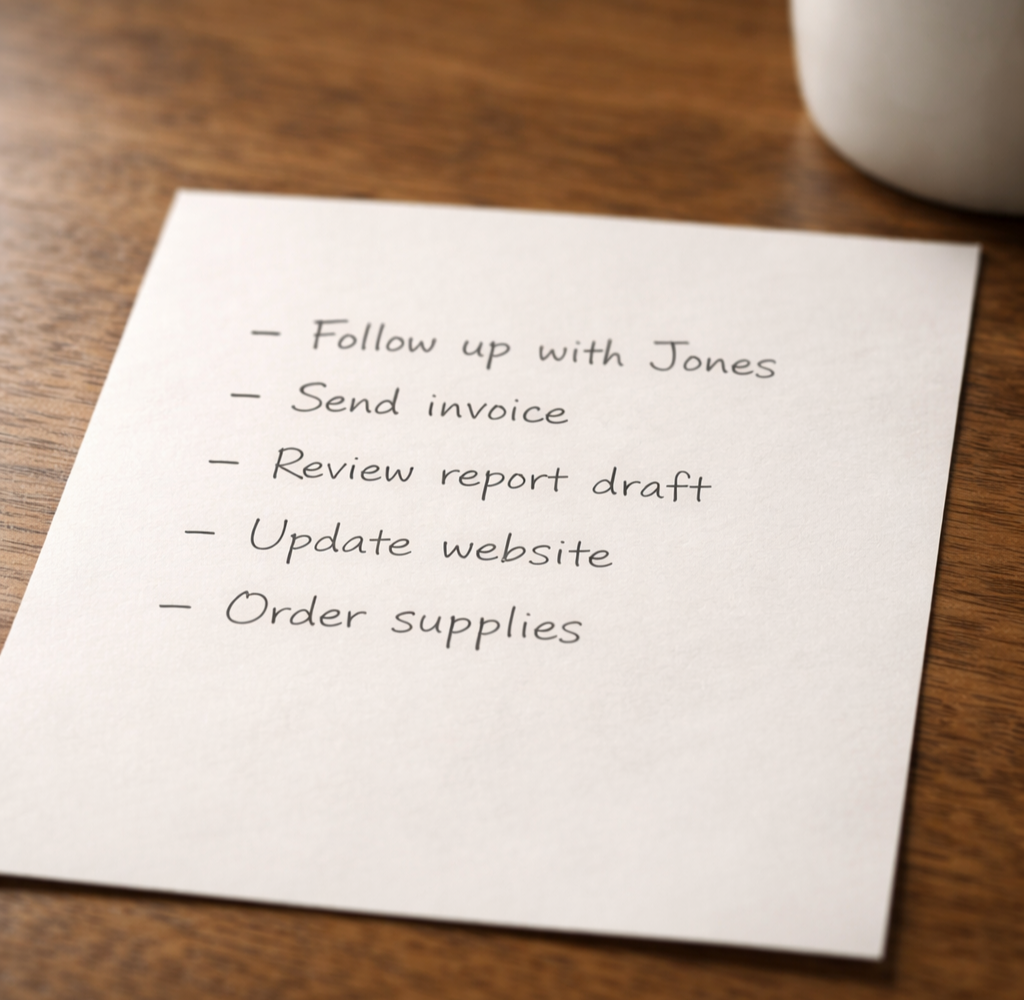
You cannot measure AI’s impact on your business in the abstract. You can only measure it on a specific task.
Pick one. The task that is costing the most time, producing the most errors, or creating the most friction in your current workflow. Not a category of work. A specific, repeatable task with a defined input and a defined output.
Good examples: drafting client proposals, processing incoming invoices, responding to routine customer inquiries, generating weekly status reports from multiple data sources.
Once you have the task, describe it in plain terms. Who does it. How long it takes per instance. How often it runs. What the output is supposed to look like when it is done correctly. Write that down before you change anything.
That description is your baseline.
Establish the baseline before anything changes
For a task that runs daily or several times a week, two weeks of manual tracking is enough. Note the time required for each instance. Note the error rate if errors are part of the problem. Note anything that signals whether the task is running well or poorly.
The baseline answers one question: what does this task cost the business right now, in time and quality? Without it, any improvement you observe later is anecdotal. You may feel like things are faster. You cannot demonstrate it.
Define success before the tool goes live
Once you have a baseline, set a target. Not a general direction. A specific number.
Some examples: proposal drafting time reduced from 90 minutes to 25. Customer inquiry responses completed within two hours instead of the following business day. Weekly report generation reduced from four hours to 45 minutes with no increase in errors.
The target does not have to be aggressive. It has to be specific enough that at day 30 or day 60, you can look at the number and say yes or no. Without it, the question at the end of the pilot is “did it help?” That question produces answers like “I think so.” That is not a verdict.
Check the number, not just the usage
Most AI vendors provide usage dashboards. Prompts run, documents generated, hours logged. That data tells you how much the tool was used. It does not tell you whether the business got better.
Keep tracking the task metric you established at the start. Check it at the same interval you used to establish the baseline. At 30 days, compare.
Is the number moving in the right direction? Is the improvement consistent, or are there outliers that suggest the tool is working for some team members and not others?
And ask this question directly: did the team add the tool to the workflow without removing any of the old steps? That happens more than it should. The tool gets layered on top of the existing process. Total time goes up. The tool appears to be failing. The real problem is workflow design.
What the measurement actually tells you
A clean measurement process gives you one of three answers.
The tool is working. The number moved in the direction you defined, consistently. Continue and consider where to apply the same approach next.
The tool is not working as expected. The number did not move, or moved in the wrong direction. That result still tells you something. The problem is either the tool, the workflow, the underlying data, or how the team is using it. Each of those has a different fix.
The result is inconclusive. Usage was inconsistent, tracking was incomplete, or the task changed during the pilot. Run it again with tighter controls.
All three outcomes are better than the alternative: 60 days of effort with no answer.
The discipline behind the measurement
This does not require software, a formal process, or outside help. Measuring AI time savings in a small business requires deciding in advance what you are trying to prove, tracking the right number, and checking it at a defined point.
Most businesses skip it because setup feels like overhead. It is not. Without it, 60 days of effort produces no answer and no direction.
If you have a tool running and cannot point to a clear result, the TAKTOS Business Check identifies what is working, what is not, and what the right next step is. Learn more at taktos.ai/businesscheck.
Chuck Rayman is the founder of TAKTOS, an AI advisory and education firm for small businesses. TAKTOS helps owners determine where AI will deliver real value and where it will not. Visit taktos.ai.